

Heating & Cooling
Thermostat Problems: What to Check Before Replacing It
A blank screen, wrong temperature, or system that refuses to respond doesn't always mean the thermostat has failed. Work through the simple checks before buying new controls or calling for service.
By Studio800 Editorial · Published November 2, 2026 · Updated
Start with the request you're actually giving the system
If the house is cold, first make sure the thermostat is set to HEAT and to a target above the room temperature. If the house is warm, check COOL and the opposite relationship. This sounds obvious until you consider a programmed schedule, an away setting, a temporary hold, or a household member who changed the target. Many thermostats intentionally delay equipment startup after a cooling cycle to protect the compressor, so a brief delay is not necessarily a fault. The manual will tell you how your model communicates that delay.
Also distinguish the thermostat is not calling for heat from the system is not delivering heat. A thermostat may display an active request while a furnace safety switch, equipment breaker, clogged filter, or other component prevents normal operation. Replacing the wall control without determining which part isn't responding may leave you with the same uncomfortable house and an unnecessary bill.
When the screen is blank or unresponsive
Some thermostats are powered by replaceable batteries; others draw power from HVAC wiring, or use both. If your unit has a battery compartment intended for homeowner access, replace batteries with the type and orientation specified by its manufacturer. A hardwired screen going dark can indicate a loss of equipment power, an open safety switch, or a wiring problem rather than an exhausted thermostat. Don't assume every model has a battery to replace.
Look for alerts and error messages, take a photograph, and note the time. Check whether there has been a household power interruption or an obvious tripped breaker, but do not repeatedly reset a breaker or open an equipment cabinet. Some air handlers have a safety switch responding to condensate problems. Such a signal is worth investigating professionally, not defeating.
Smart thermostats add another layer of confusion
Wi-Fi connectivity and control of the heating system are related but different functions. A smart thermostat can lose its app connection while still following an on-device schedule; another model may depend on settings or a compatible accessory to operate particular equipment. If the app says the thermostat is offline, verify the home's internet connection and the thermostat's local display before concluding that the heating system has failed.
If you're considering replacement, check the manufacturer's compatibility tool and equipment model. Heat pumps, multi-stage systems, electric baseboard heating, proprietary communicating systems, and homes without a suitable common wire may have special requirements. Don't rely on matching wire colors alone: previous installations may not follow conventional color assignments. Incompatible installation can damage equipment or create a hazard.
Don't confuse temperature sensing with room comfort
A thermostat mounted in direct sunlight, near a draft, beside a kitchen, or close to a heat source may read a temperature that doesn't represent the rest of the house. Use a separate ordinary room thermometer nearby for a rough comparison, allowing both to stabilize. Small differences may be normal; large, persistent discrepancies deserve investigation. First consider location and airflow before changing calibration settings that you don't understand.
A thermostat cannot independently fix an overheated upstairs bedroom, leaky ductwork, or weak airflow to a distant room. ENERGY STAR recommends checking system settings and maintaining heating and cooling equipment, including filters and annual professional service. Sometimes what looks like a thermostat problem is a whole-house comfort issue.
Replacement should solve an identified problem
Replace a thermostat when it is demonstrably defective, lacks functions you genuinely need, or no longer works with the equipment. Before purchasing, record the HVAC system make and model, existing thermostat model, and any accessory controls. Ask whether the new thermostat supports every heating and cooling stage and whether installation would compromise warranty or specialized functionality. A licensed HVAC or electrical professional can confirm wiring and compatibility when the system is unfamiliar.
Checklist
- Verify HEAT/COOL/OFF mode, setpoint, schedule, and any hold or away settings.
- Photograph error messages, warnings, and unexpected behavior.
- Replace homeowner-serviceable batteries only if your thermostat uses them.
- Note whether the thermostat calls for operation and whether equipment responds.
- Compare room temperature carefully with a separate thermometer.
- Verify compatibility before buying or installing a replacement thermostat.
When to call a professional
- A breaker trips again, wiring is damaged, or equipment fails to respond to normal calls.
- The thermostat is hardwired and blank, or there's an HVAC safety-switch indication you can't explain.
- Your home uses line-voltage heat, a communicating system, or complex heat-pump controls.
- Replacement would require modifying wiring, transformers, or equipment control boards.
Sources
Studio800 provides general educational information, not professional advice. Your equipment manuals, local codes, and qualified professionals take priority. Editorial standards
Keep reading
Why Is the Air Conditioner Running but Not Cooling?
When the air conditioner seems to run endlessly and the rooms stay warm, begin with a handful of safe checks. Learn which clues suggest airflow, thermostat, outdoor-unit, or professional service problems.
Why Is One Room Colder Than the Rest of the House?
A cold bedroom or stubbornly chilly office doesn't always mean your furnace is failing. Learn how to distinguish airflow, insulation, air leaks, and thermostat problems before spending money on the wrong fix.
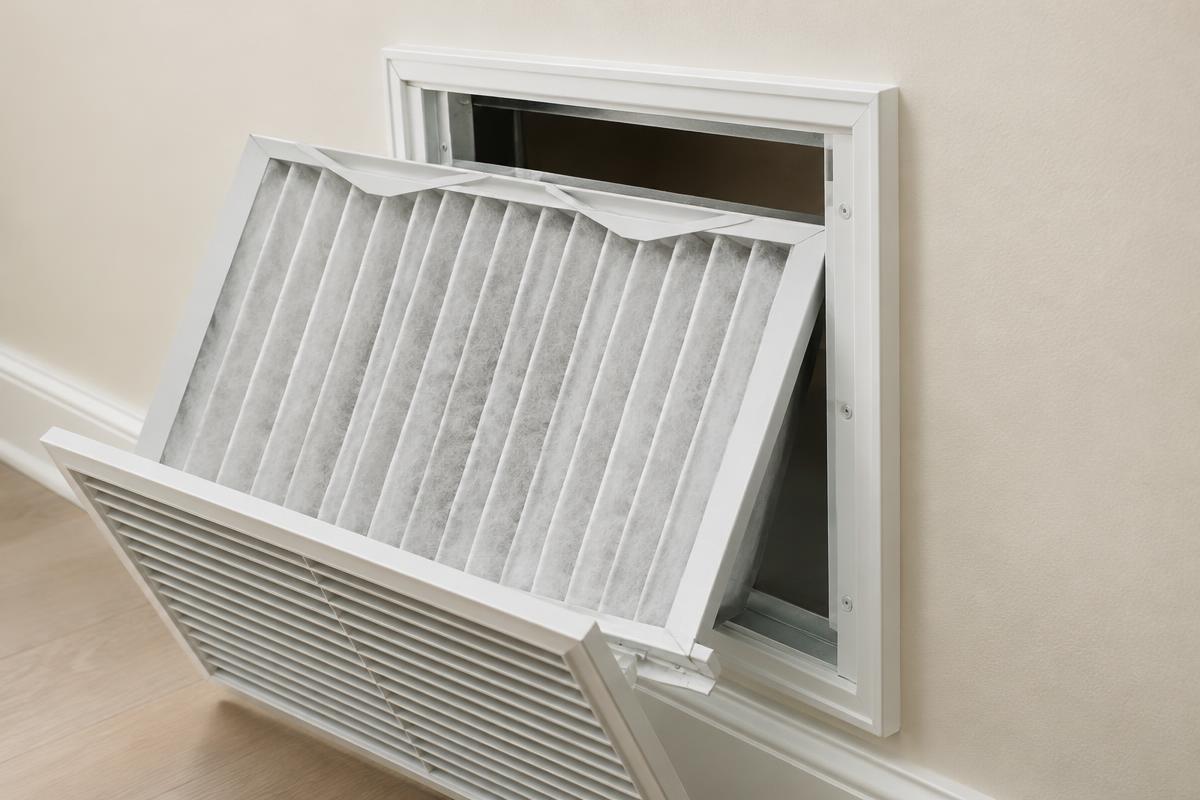
How Often Should I Check or Replace My HVAC Filter?
A simple habit that helps your heating and cooling system run as intended. Here's how to find your filter, read its label, and set a sensible routine.